Setup, Installation & Maintenance
Rowing Machine Power Requirements: Electricity, WiFi, Setup
25th Sep•9 min read
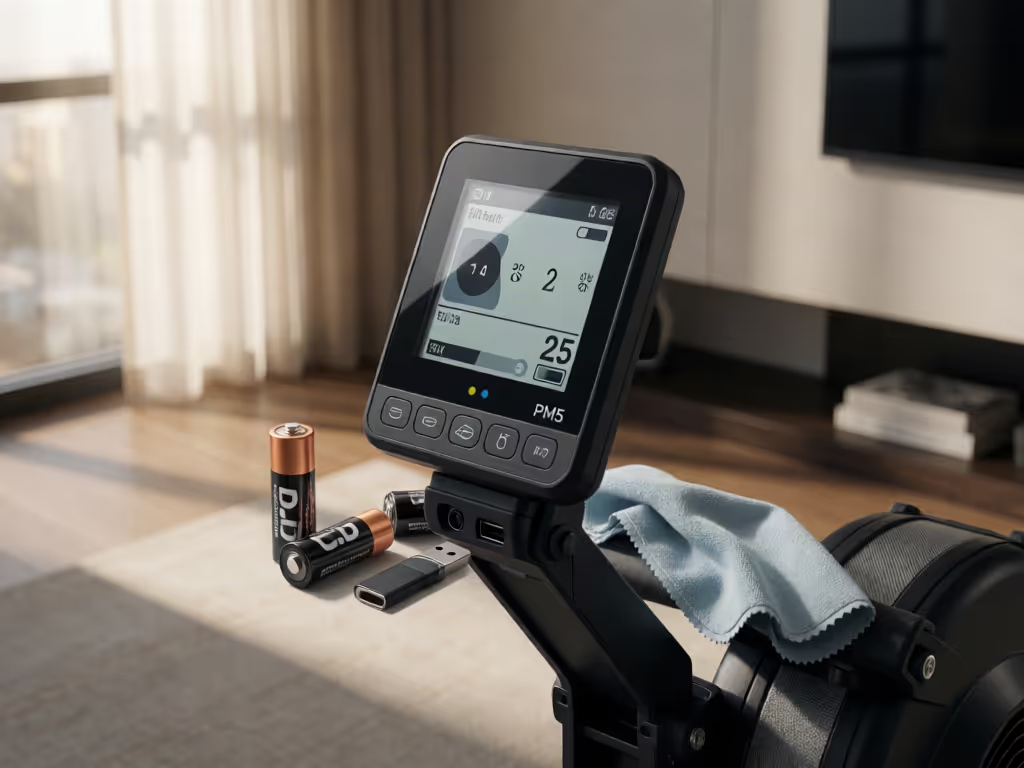
The strongest overall choice is a spare pair of D-cell batteries: they support PM5 readiness with minimal complexity. Add a USB flash drive only when your individual PM5 has a USB-A port and you specifically want removable storage; it redirects saves rather than creating a confirmed duplicate backup.
Important: USB storage is not documented as simultaneous backup: workouts save to the drive instead of PM memory.
For rowing machine monitor accessories, the most useful purchases are often the least glamorous: a spare pair of D-cell batteries and, for a compatible monitor, a USB flash drive. If you own a Concept2 PM5, these Concept2 PM5 accessories address two different risks (interrupted monitor uptime, and where completed workouts are stored). The Concept2 RowErg is the relevant platform here because the PM5 is standard on current RowErgs; the priority is protecting the continuity and quality of your training record rather than filling your workout space with accessories that do not solve a specific problem.
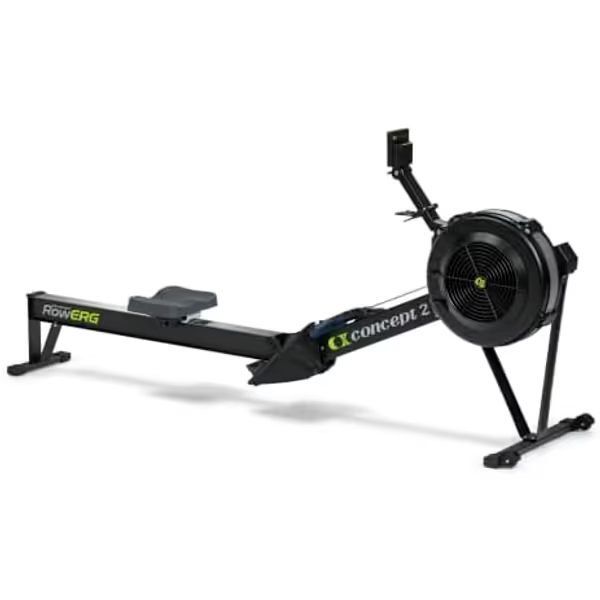
The Concept2 RowErg Indoor Rowing Machine includes a PM5 monitor, but the rower itself is not a monitor-protection accessory. Think of it as the data source: every session begins and ends at the PM5.
A caveat before buying anything: "backup" has a precise meaning. A USB drive used with the PM5 is an alternate save location, not a confirmed duplicate copy made simultaneously in the PM5's internal memory. That distinction changes the right buying decision. Cost per session beats MSRP when an accessory prevents a lost record or an avoidable interruption, but only when you understand what it actually does.
Before purchasing a PM5 USB flash drive or replacement batteries, understand the storage you already have. The PM5 can store more than 1,000 workouts in its internal memory. That is substantial local capacity for a home rower, especially if your immediate goal is simply to keep a usable session history on the monitor.
It does not mean every pull is automatically retained. The PM5 automatically saves preset workouts and qualifying Just Row workouts. For Just Row, the session must be longer than one minute or longer than 100 meters; Concept2 also specifies additional Menu-button steps after the last stroke. If you stop short of those conditions, do not assume the workout became part of your durable record.
The retained record includes the final total result and splits, giving you the core rowing metrics needed to compare sessions and track progress. For an analytical athlete, that makes the PM5 memory a practical first line of continuity: it preserves the numbers that let you compare today's interval, distance, or pace pattern with a prior session.
Set the PM5 date and time correctly from the outset. Past workout dates and times cannot be edited. If you care about a clean history (whether you row before work, fit a session between meetings, or alternate use with a partner), an incorrect clock turns an otherwise valid result into a poorly labeled one.
This is the zero-dollar part of rowing workout data backup: ensure a qualifying workout is actually saved, then ensure it is assigned to the right date.
The first accessory to keep on hand is simple: two D-cell batteries. The PM5 requires two D cells. During use, the RowErg supplies power to the monitor, which helps support operation while you row. But the batteries remain the practical reserve that allows the monitor to wake and function as intended outside that active rowing moment.
This is not a call to stockpile batteries or chase a premium label. The available information does not establish which battery brand, chemistry, capacity, rechargeable option, or service-life claim is best for a PM5. Buy the required size from a source you trust, keep the pair together, and replace them when your monitor indicates it is time.
On PM5 software that presents the current menu path, battery status is available at:
More Options → Utilities → Battery
The monitor displays the battery level as a percentage. Menu options can vary on older firmware, so treat that path as a current guide rather than a promise that every screen will look identical. Keeping the monitor software current can also help address connectivity and performance issues; see this guide to rowing machine firmware updates before troubleshooting persistent problems.
The PM5 also turns on when you pull the RowErg handle, press a monitor button, connect a computer, or insert batteries. It turns off after a couple of minutes of inactivity; a spinning flywheel counts as activity. Those behaviors are useful context, but they are not a substitute for checking the battery indicator periodically.
This is basic TCO math. The acquisition cost is small, the failure-rate exposure is easy to monitor, and the downside of not having replacements is disproportionately annoying when your training window is only 20 minutes. If data is part of the reason you row, monitor uptime is not an optional detail.
Pay once, maintain smartly, and your rower pays you back.
My first rower was a scuffed secondhand find, and logging the unromantic costs (small wear items, fixes, and completed sessions) made the useful metric obvious. The same logic applies here: the accessory that quietly keeps a session record available can have more value than a flashy add-on that does nothing for your training history.
A USB flash drive is the second monitor-focused option, but it is conditional. Concept2's USB-flash-drive instructions apply only to PM5 units with a USB-A port. Inspect your specific PM5 before buying a drive for this purpose. A generic assumption that every PM5 accepts a flash drive is the wrong purchasing model.
When a compatible USB flash drive is in use, workouts save to the drive instead of PM memory. That can suit an owner who wants workout files directed to removable storage. It does not establish a two-location, redundant backup system. If you are comparing monitor capabilities more broadly, our PM5 versus iFIT monitor comparison explains how different systems handle accuracy, display information, and training integrations.
| Decision factor | PM5 internal memory | USB flash drive on a PM5 with USB-A |
|---|---|---|
| Where workouts are saved | PM5 memory | Flash drive instead of PM memory |
| Storage scope documented here | Over 1,000 workouts | Capacity not established here |
| Hardware needed | None beyond the monitor | Flash drive plus confirmed USB-A port |
| Main strength | Built-in local retention | Removable workout-storage destination |
| Main limitation | It remains on the monitor | Not a simultaneous copy in PM memory |
This is where language matters. Calling a USB drive "backup" can lead you to believe that each workout exists in two places. The documented behavior says otherwise: USB use redirects the save destination. If your goal is simply to put completed sessions on removable storage, it may be appropriate. If your goal is redundancy, do not treat the drive alone as proven redundant protection.
No useful buying guidance is available here on USB-drive capacity, file system, speed rating, durability class, formatting, or compatibility with a particular third-party model. Avoid paying for specifications that have not been shown to matter for this specific use. Confirm the USB-A port first; then follow the PM5's applicable instructions for use.
These two erg monitor accessories do not compete directly. One supports monitor readiness; the other changes the destination for saved workouts. Use the failure mode, not marketing language, to choose.
For an owner with a USB-A-equipped PM5, owning both is rational because their roles do not overlap: D cells support power readiness, while the drive is a storage destination. Just do not let the presence of both create a false sense of duplicate recording. The evidence supports two functions, not a synchronized backup architecture.
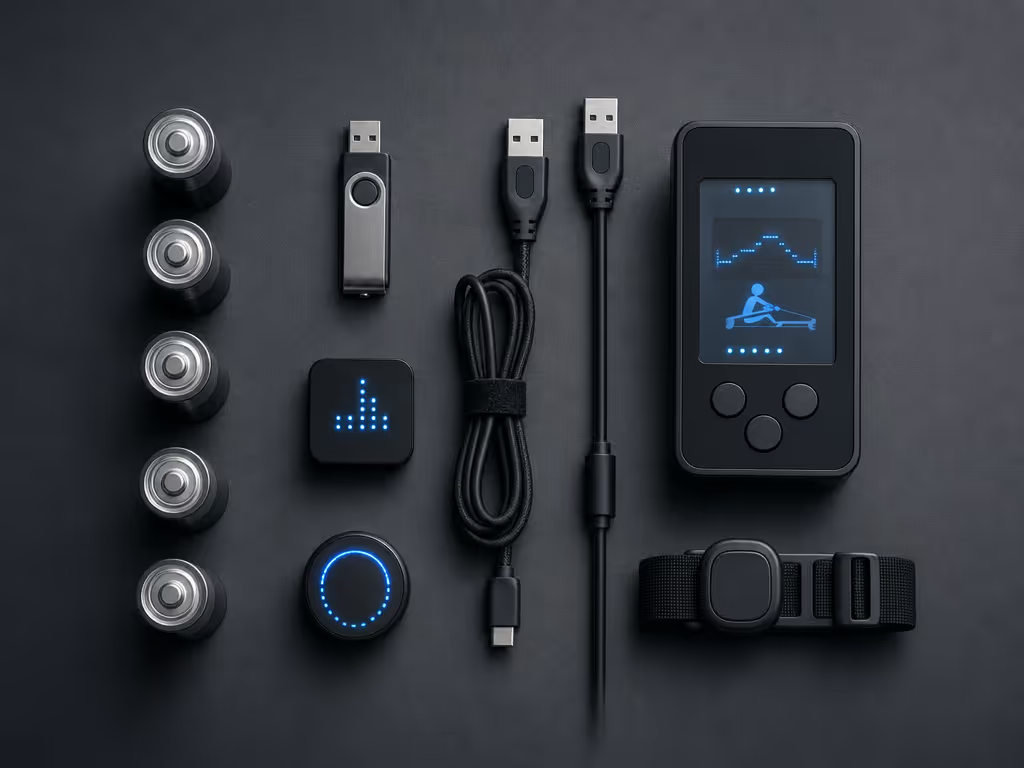
You do not need a complicated system to protect the sessions that matter. Use this checklist before a benchmark, a structured interval day, or the first row of a new training block.
This routine is intentionally modest. It minimizes friction for apartment and small-home users who want a quick, purposeful session, not another app workflow to administer. It also makes service path clarity visible: you know where your workout should be, what needs replacing, and which assumption to test if a record is missing.
Monitor accessories can drift into speculative spending quickly. The available information does not support a recommendation for a particular battery brand or chemistry, any named USB-drive model, a drive-capacity target, cloud backup services, automated synchronization workflows, replacement monitor cases, or claims that a specific app can recover or retrospectively import PM5 records for this purpose.
That is not an argument against those products in every circumstance. It is a discipline against buying on a promise you cannot verify. A clean setup with replacement D cells and, only when the physical port supports it, a USB drive is better than an expensive, ambiguous data plan. Regular upkeep matters too, so use a complete rowing machine maintenance guide to keep the equipment and monitor environment reliable over time.
Also avoid treating a USB drive as a universal solution for every PM5. The USB-A check is non-negotiable. If the port is absent, the drive is not the appropriate path under the documented instructions.
For most RowErg owners, spare batteries are the better first purchase because they address the most immediate operational risk with almost no complexity. A USB drive earns its place when removable storage is specifically useful to you and your monitor has the right port, but it should be understood as an alternate save location, not duplicate protection.
The final TCO math is refreshingly plain: buy the accessory that removes a real failure point, maintain it on a simple cadence, and avoid paying for unproven features. Cost per session beats MSRP, especially when every completed session is recorded where you expected it to be.
Concept2 states that the PM5 is retrofittable to older Concept2 Indoor Rowers and SkiErgs. This does not establish installation requirements, cost, or compatibility details for any particular legacy machine, so confirm those specifics before purchasing an upgrade.
The available information does not establish an exact launch date. Concept2 identifies the PM5 as standard on current RowErgs, but that does not by itself document when the monitor was first released.
Do not assume that it does. On PM5 units with a USB-A port, Concept2 says workouts save to the USB flash drive instead of PM memory. That is alternate storage, not documented simultaneous duplication.